The band's diary can flow straight into whatever calendar app you already use — Apple Calendar, Google Calendar, Outlook, Fantastical. You do not have to open BandHQ to know what is on next week.
Turn it on
Open the Events tab and scroll to the bottom. The Add to my calendar panel is there with a Set up button.
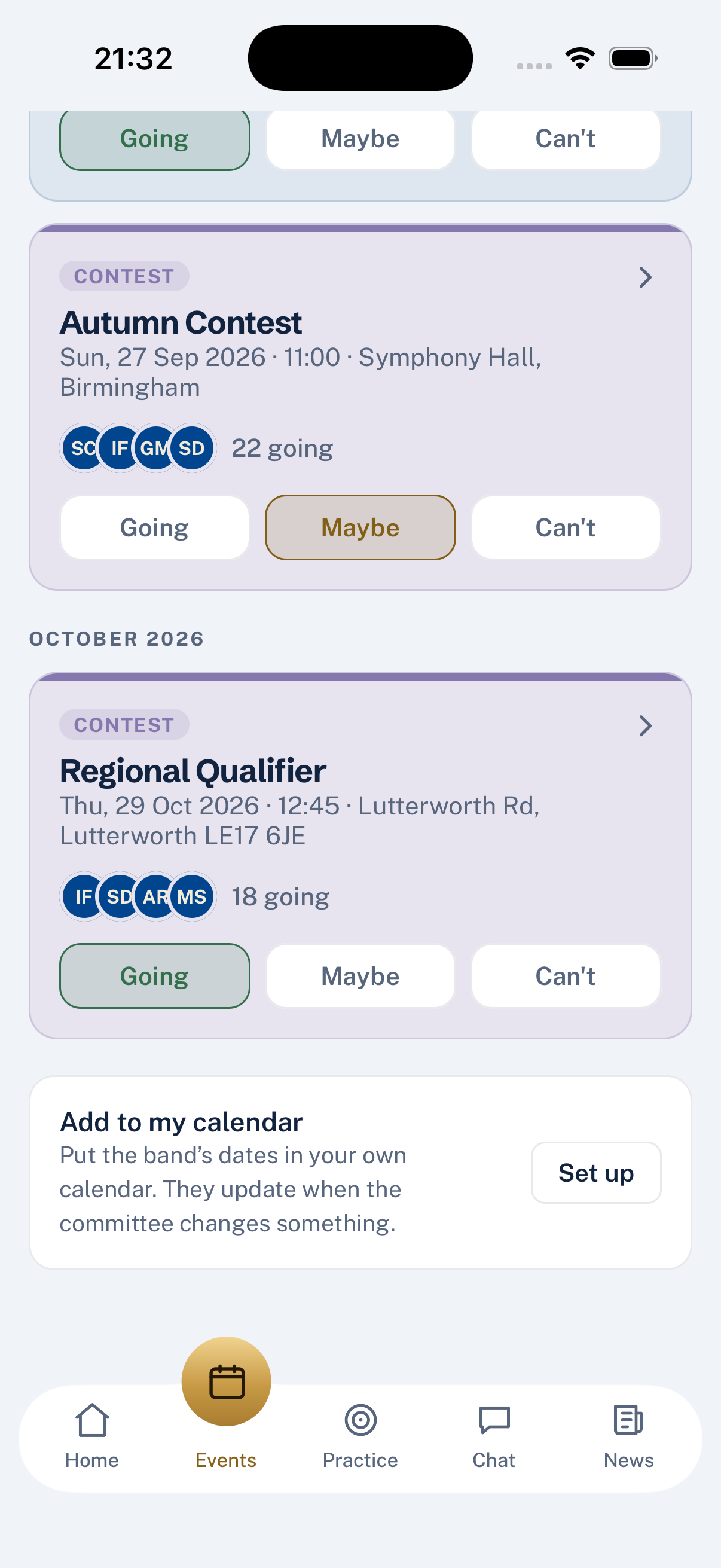
Tap Set up. The card fills with a link that is yours alone. On an iPhone or iPad, tap Add to Calendar and iOS asks whether you want to add it — one confirmation, and the band's events appear alongside everything else in your calendar. On Android, or if you would rather set it up in a laptop calendar, copy the URL and paste it into your calendar app's "Subscribe to calendar" option:
- Google Calendar on the web: left sidebar → Other calendars → + → From URL
- Outlook on the web: Add calendar → Subscribe from web
- Apple Calendar on a Mac: File → New Calendar Subscription
Within a few minutes the events appear. As new ones go up, they arrive on their own — the calendar polls periodically. When an event is edited or cancelled, the entry updates.
What is in the feed
Every band event you are entitled to see — no more, no less:
- Rehearsals, engagements, contests, dress calls
- The title, notes, location, call time and dress code
- Cancelled events, marked as cancelled
Committee-only meetings do not appear unless you are on the committee. The subscription URL is tied to your login, so the same feature yields different feeds for a member and for the MD.
Guard the link
The URL carries a token that stands for your login. Anyone with it can read your feed. It cannot be used to write, RSVP or sign in as you — but it can be read. If you share the URL by accident, come back to the same panel and tap Regenerate, which invalidates the old link immediately.
What this does not do
- Not two-way. RSVPs happen in BandHQ, not from your calendar. Tapping Accept in Apple Calendar does nothing on the band's side.
- Not for older events. The feed carries roughly the next three months; older events stay in BandHQ.
- Not a way for outsiders to peek. Only members can generate one, and each URL only carries what its owner would see in the app.
Last updated 2026-09-03