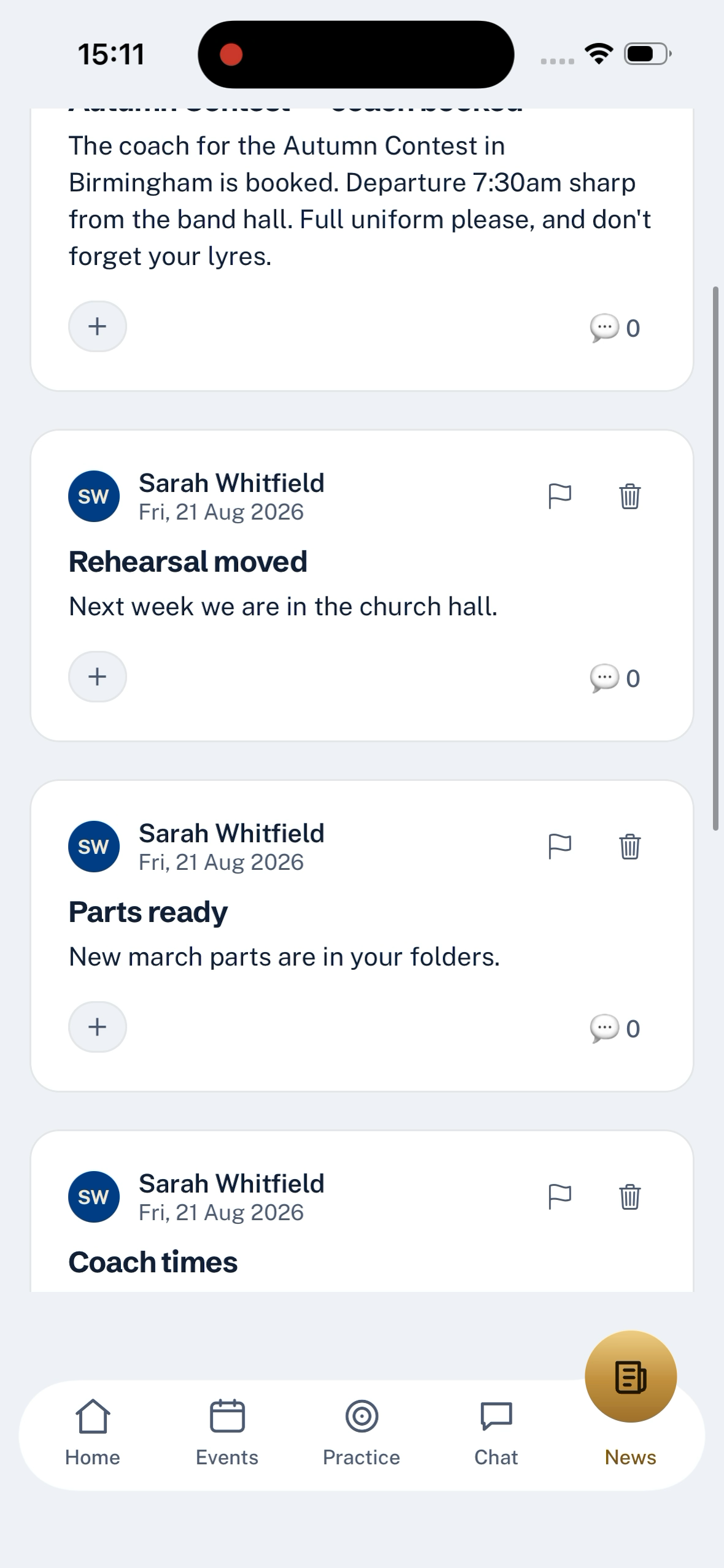
Announcements sit on the News tab. They are for the whole band, they can carry a photo, and members can react and reply — the group-chat things worth keeping without the group-chat drift.
Who can post
Any admin. The button lives on News, top right.
What to write
Give the announcement a title and a body. A photo is optional, but a picture of the coach or the concert programme lands harder than a paragraph about it. Anything longer than a paragraph, add a subheading — announcements support ordinary text formatting.
Post it and every member sees it on their News tab and in their notifications.
Comments and reactions
Members can react to an announcement — thumbs up, applause, question mark, and so on — and leave a comment underneath. The comments read top to bottom, so the conversation stays with the announcement rather than floating away up a chat.
Anyone can flag a comment or the announcement itself. That routes it to the moderation queue for the committee to look at.
Editing or removing
You can edit an announcement to fix a typo or update the details — the change goes to everyone who saw the first version. Removing an announcement replaces it with a Removed by a moderator placeholder, so the thread of comments stays coherent rather than being torn out.
What news is not
Announcements are one-way from the committee outward. If you want a members-can-post channel, use the General channel in chat instead. News is for the things you want everyone to definitely see; chat is for the everyday.
Last updated 2026-09-03