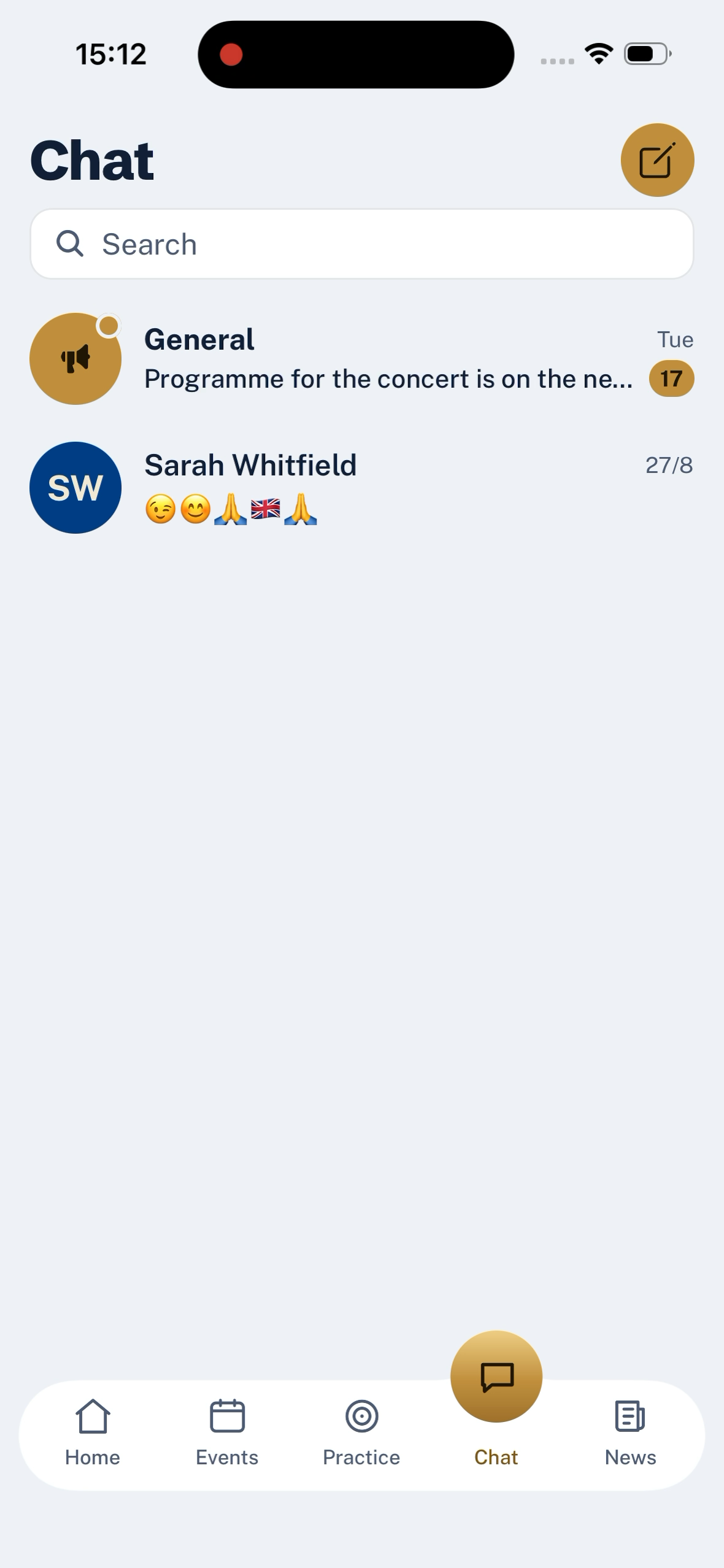
Chat is the everyday conversation of the band, and it sits under the Chat tab.
Channels
Your band arrives with a General channel that everyone is in. Admins can create more — a common pattern is one per section, so the Cornets can talk to each other without the Percussion having to skim past.
Inside a channel, messages read top to bottom the ordinary way. Long-press a message for reactions — thumbs up, applause, a laugh, and so on. You can attach a photo the same way you would in any messaging app.
Direct messages
You can also open a direct message with another adult in the band, quietly, without pulling in the whole channel. Adult-to-adult only — an adult cannot open a DM with a member under 18. That one is enforced in the database, not by a setting an admin can flip, and it applies whichever direction you try to start the conversation from.
Reactions, reports and removals
Long-press a message for the menu:
- The reactions row across the top — tap one to add it, tap the same one to take it back
- Report message sends it to the committee's moderation queue with a short note
- Delete message removes your own message; on somebody else's the option is Remove message and only committee members see it
Deleted messages leave a Message deleted placeholder rather than closing the gap. Removed ones say Removed by a moderator — different wording on purpose, so the difference between "I regretted it" and "someone else took action" is legible from the outside.
What chat is not
Chat is not the news feed and not the events list. For anything the whole band absolutely must see, post an announcement; for who is coming on Saturday, use the event. Chat is for the small everyday things, and it is fine for it to move fast.
Last updated 2026-09-03