Every band has the odd off-key moment. Two controls are always to hand: report the thing, or block the person. They do different jobs.
Report content
Anything posted by a member can be reported: a chat message, an announcement, a comment underneath one, or a member's profile itself.
- Chat — long-press the message → Report message
- News — the flag icon on the announcement or the comment
- A member — Roster → tap the member → Report member
You add a short description — "inappropriate", "harassment", "link to a site I do not trust", whatever is true — and the report lands in the committee's moderation queue. It sits there with the offending content beside it, so an admin can hide it, warn the member, or close the report as fine.
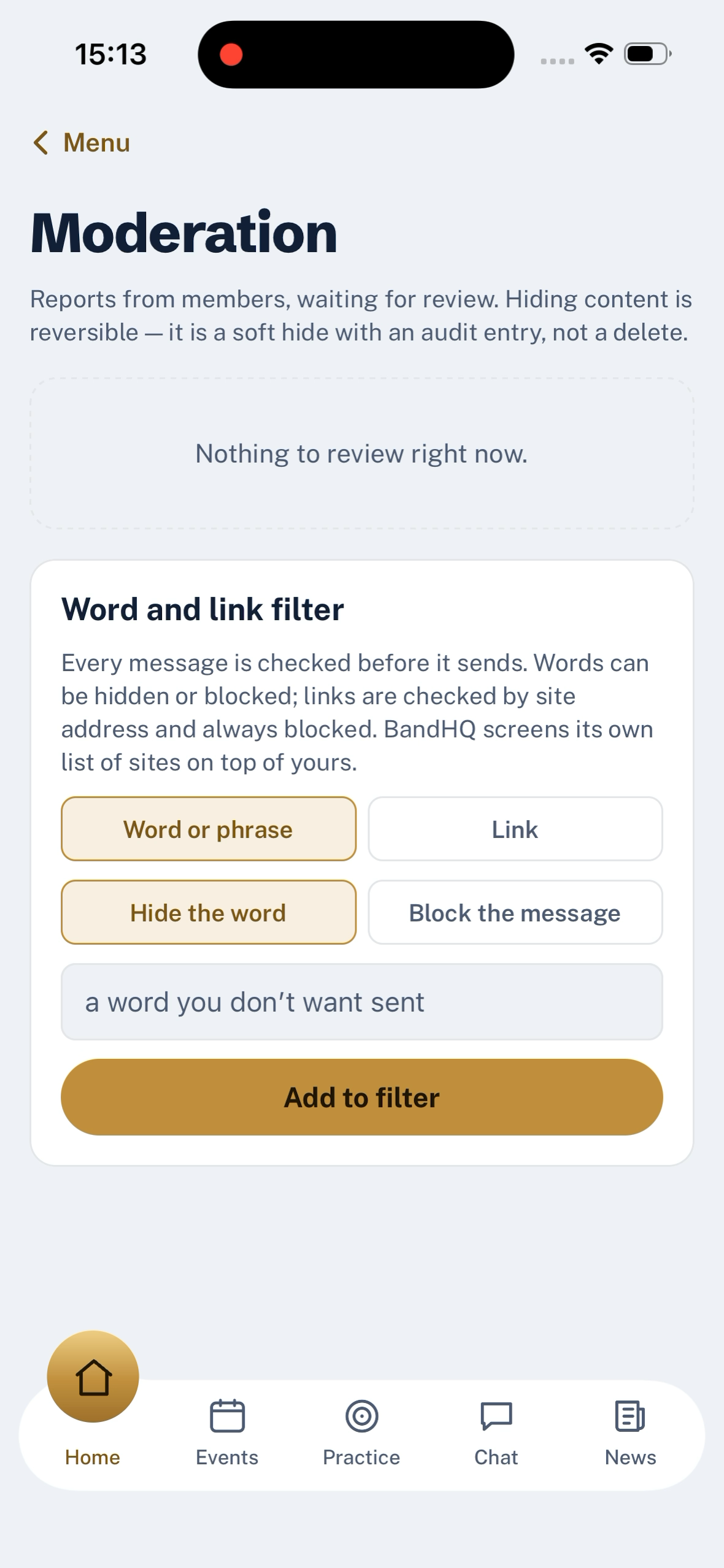
A hidden item leaves a placeholder for the whole band — the conversation around it stays intact, but the content itself is gone. That is deliberately not the same as silently deleting it: audit rows are kept, and the item can be un-hidden by another admin if it turns out to be fine.
Block a member
Blocking is about you, not the committee.
Roster → tap the member → Block member. You get a confirmation alert, then their messages stop reaching you across the app.
Blocking is one-way and personal. Nobody else in the band sees it, and the person you blocked is not told they were blocked; they simply stop seeing your side of the conversation, and you stop seeing theirs.
What this does not do
- Blocking a member is not something the committee can do on your behalf. It is a personal control. If someone is behaving in a way the committee needs to act on, it is a report, not a block.
- Unblocking is not yet in the app. If you block someone and want it undone, email support@usebandhq.com and we will reverse it. This is being wired for a coming release.
- Reporting is not the police. For anything urgent involving a child, contact the police on 999 and then email safeguarding@usebandhq.com so the record on our side follows. The full route is on the safeguarding page.
Last updated 2026-09-03